
All the information I found on Missing Favicons on Google Chrome didn’t work for me so I’m sharing what did. Since I have 40 on my bookmarks bar I only use the icons and have removed the words. You can see how this would be a problem. I did a Google search and found many sites providing the following instructions below. These might work for you, but they didn’t work for me so I kept looking for a solution.
Instructions I tried first based on other websites (Use this at your own risk)
There is an easy fix to this if you reset the Chrome cache for favicons. Delete the Favicons file in the designated location:
In Windows:
C:\Users\your_username\AppData\Local\Google\Chrome\User Data\Default
**In OS X:
/Users/your_username/Library/Application Support/Google/Chrome/Default/
**To access the User Library folder in OS X, hold the Option key and then select Go > Library from the Finder menu bar.
Restart your browser and you should be back in business.

What worked for me
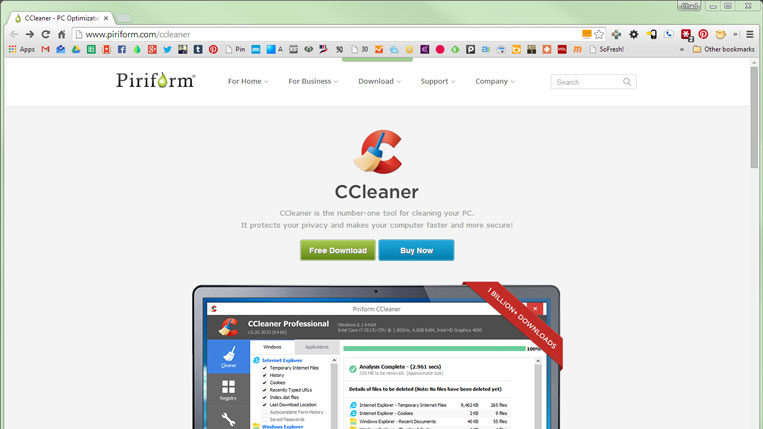
I have been a long time user of CCleaner. I have it set to do a full system clean on each reboot. The problem is it can take a while and you need to have your browsers closed so it can fully clean everything.
After trying the steps above, closing Chrome and reopening as well as disconnecting my Google Account under Settings and reconnecting, I rebooted and let CCleaner do a full scan before opening Chrome. I removed everything it found, launched Chrome and they were back.
Problem solved. I hope this helps someone.

THANK YOU!! I’ve spent the last couple of days trying to figure this out! Nothing was working. I used CCleaner about a week ago, but Chrome was open at the time. Of course this meant that CCleaner wasn’t able to properly clean Chrome. THIS was the problem with my favicons. As with you — PROBLEM SOLVED.
Glad you found this and it helped.
This worked for me also. Thanks for the tip.
This worked for me. However I would like to understand WHY the favicons dissapear every time I reboot. Anyone know?
i did that normaly and it worked just fine… problem now is , is that it wont let me delete favicons and says that it is open in chrome? what do i do?
Thanks! That did the trick. I’d tried that solution listed above, before this one. That one should be avoided. Almost lost my favicon icons. Took a bit of doing to retrieve them from the recycling bin.